Televisión
MaxConnect on Smart TV
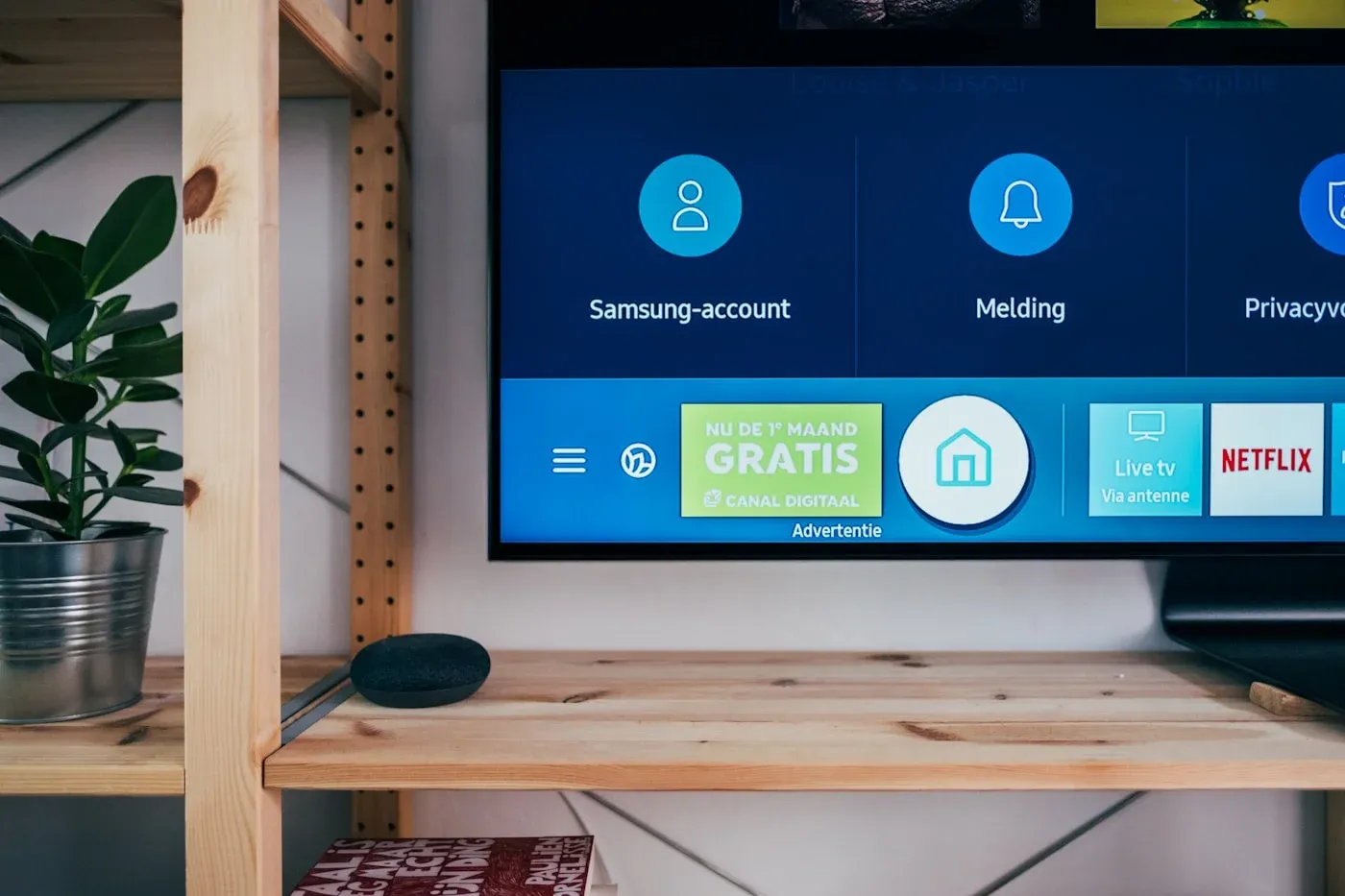
Instala MaxConnect directamente en Samsung, LG, Sony y otras plataformas Smart TV para una experiencia en gran pantalla sin hardware adicional.
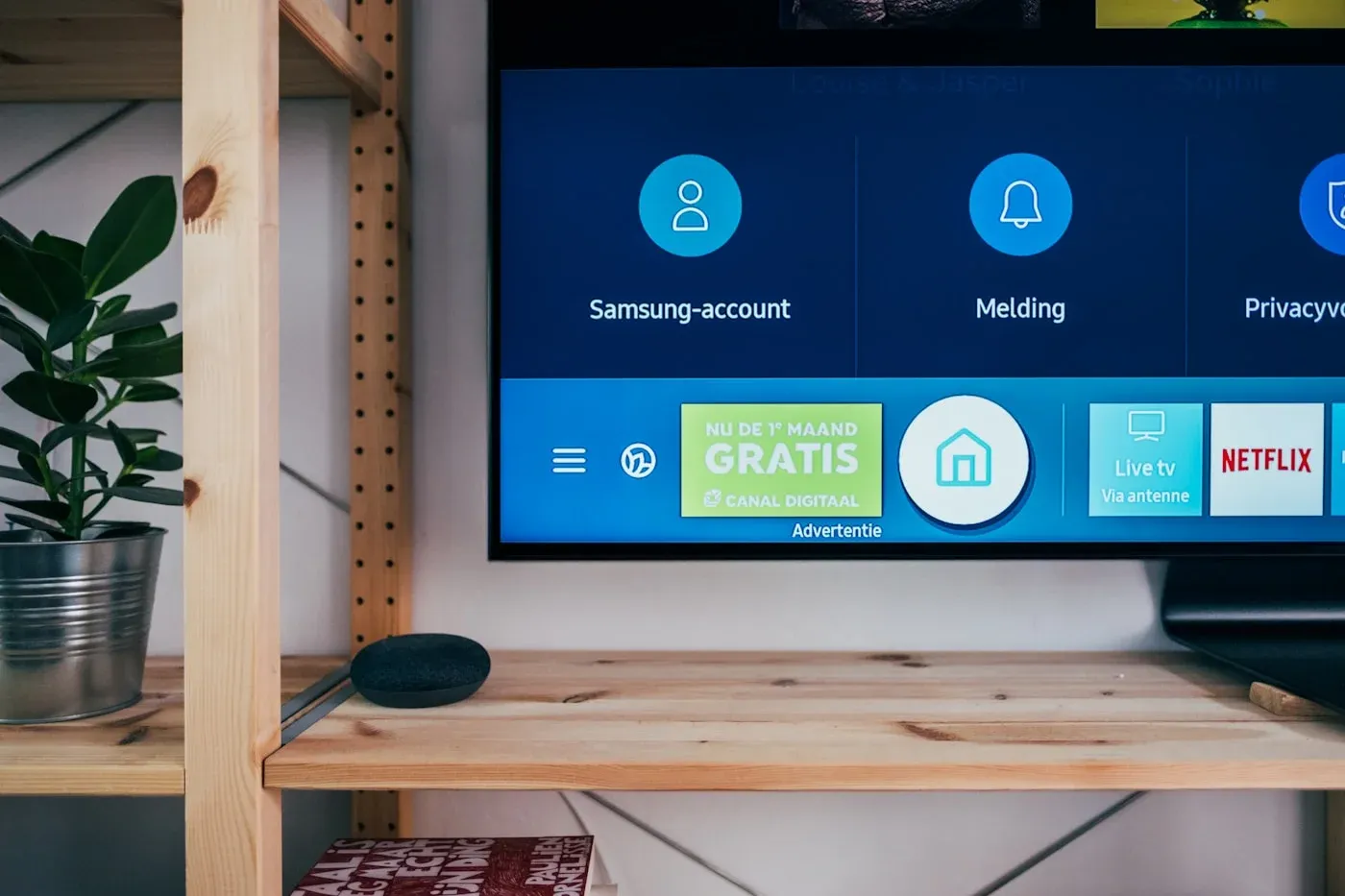
Setup guide
Follow these steps to start watching on your Smart TV. Prefer a longer walkthrough? Browse all setup guides or learn more about the MaxConnect IPTV service .
1
Abre la tienda de apps del televisor
Desde la pantalla de inicio, abre la tienda de aplicaciones integrada en tu Smart TV.
2
Busca MaxConnect
Usa la barra de búsqueda para encontrar la app MaxConnect y selecciona instalar.
3
Inicia sesión
Abre la app e inicia sesión con los datos de tu cuenta MaxConnect.
4
Empieza a ver
Explora la biblioteca y empieza a transmitir en tus pantallas.
Streaming quality tip
For the smoothest experience, connect over a wired or 5 GHz Wi-Fi connection and keep other heavy downloads paused while you watch.
Smart TV FAQs
Son compatibles Samsung (Tizen), LG (webOS) y televisores basados en Android TV de Sony y otros fabricantes.

Ready to start streaming?
Pick a plan and set up MaxConnect on your device in minutes.