IPTV devices
IPTV for Firestick, Smart TV, Android box and Apple TV in the UK
Choose your device below for practical setup steps, requirements and troubleshooting tips for your MaxConnect IPTV subscription, from an IPTV box or Smart TV to Fire TV, mobile and web. If you arrived through an IPTV Smarters UK or UK IPTV M3U search, confirm the supported player and account format before installation.
Televisions
Smart TVs and set-top boxes
Streaming sticks
Fire TV, Chromecast & more
Mobile
Phones and tablets
Desktop & web
Any modern browser
All devices
Pick your platform
Every device has a dedicated setup guide with clear, step-by-step instructions.
 Supported
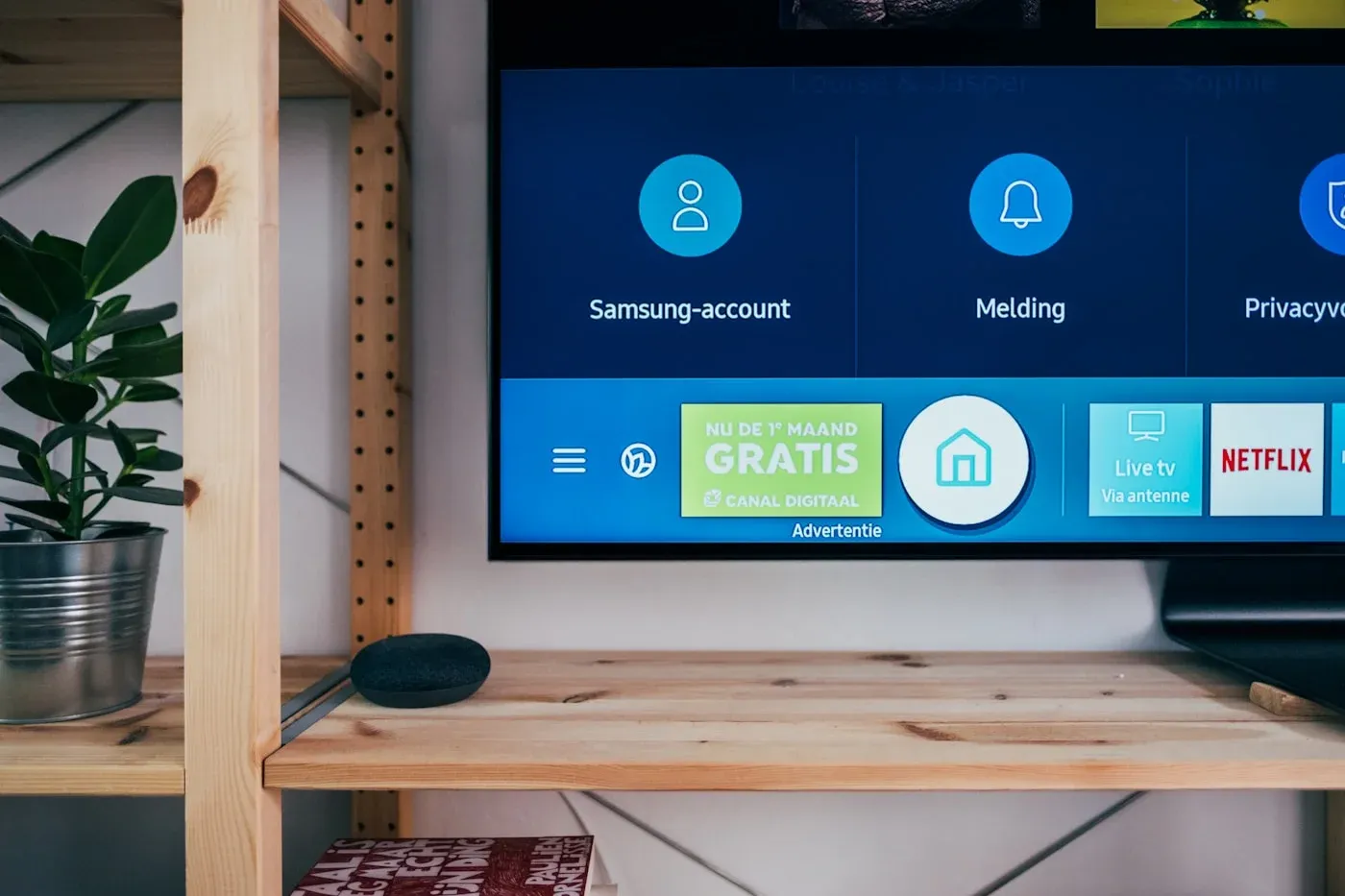
Smart TV
Samsung, LG, Sony & other major Smart TV platforms.
 Supported
Android TV
Google TV, Android TV boxes and compatible dongles.
 Supported
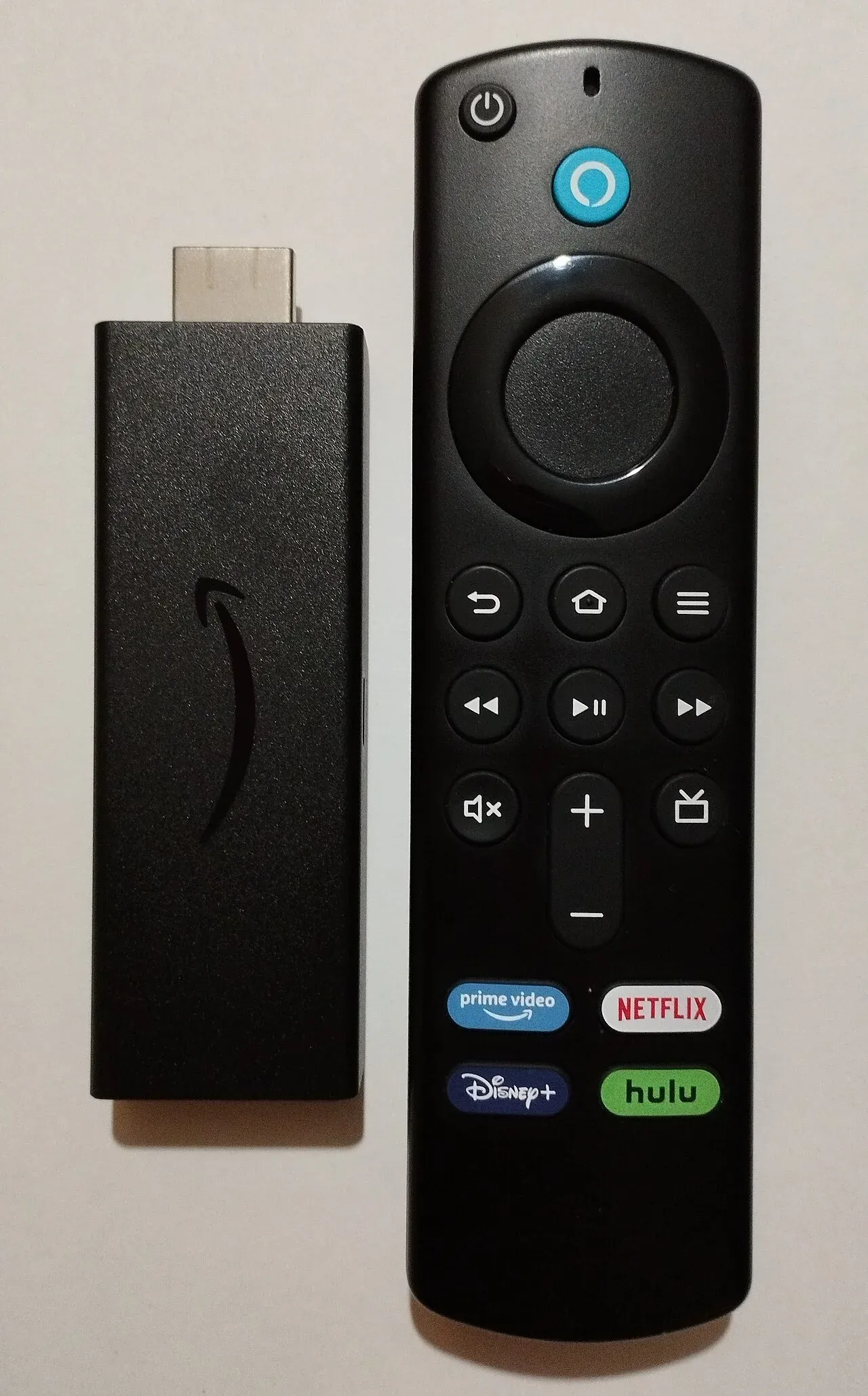
Fire TV
Fire TV Stick, Fire TV Cube and Fire tablets.
 Supported
Apple TV
tvOS devices with AirPlay support from iPhone & iPad.
 Supported
Mobile & tablet
iOS and Android phones and tablets on the go.
 Supported
Web & desktop
Watch in the browser on Windows, macOS and Linux.
Can't find your device?
If your device can install apps or open a modern web browser, it can most likely run MaxConnect. Reach out to support and we will help you get set up.
Found your device?
Choose a plan, then follow the setup guide for your platform.