MaxConnect on Fire TV
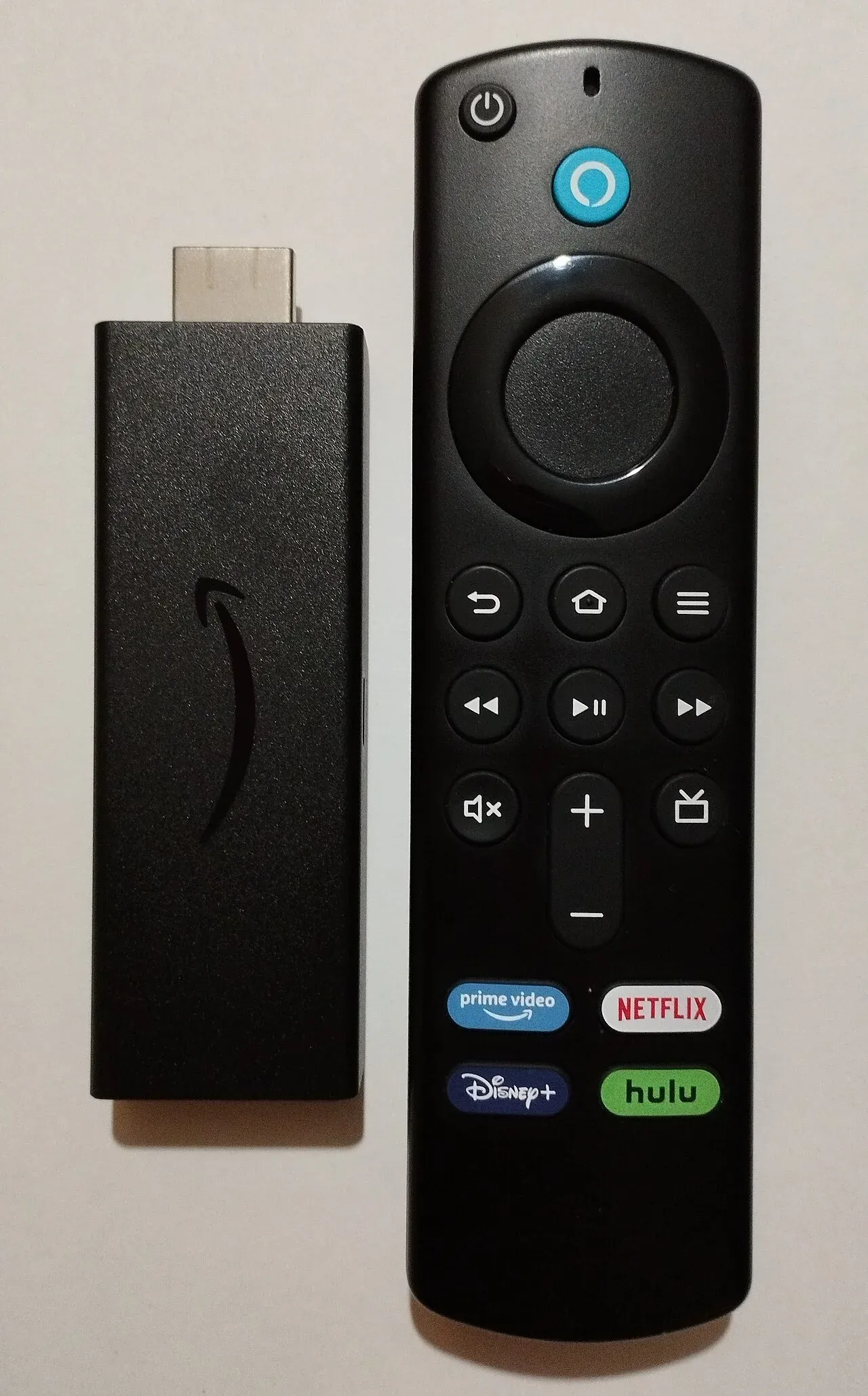
Setup guide
Follow these steps to start watching on your Fire TV. Prefer a longer walkthrough? Browse all setup guides or learn more about the MaxConnect IPTV service .
Allow apps from unknown sources
Open Settings → My Fire TV → Developer Options and turn Apps from Unknown Sources ON. If Developer Options is missing, open About and select the device name seven times.
Install Downloader
From Search, install the orange Downloader app from the Amazon Appstore.
Install your player
Open Downloader, enter the player download link from your MaxConnect welcome email, then install and open the app.
Sign in with Xtream Codes
Choose Login with Xtream Codes API, enter username, password and server URL from your email, then start watching.
Streaming quality tip
Fire TV FAQs
Yes. Setup works on current Fire TV Stick models. Picture quality depends on your stick and connection.
Ready to start streaming?
Pick a plan and set up MaxConnect on your device in minutes.